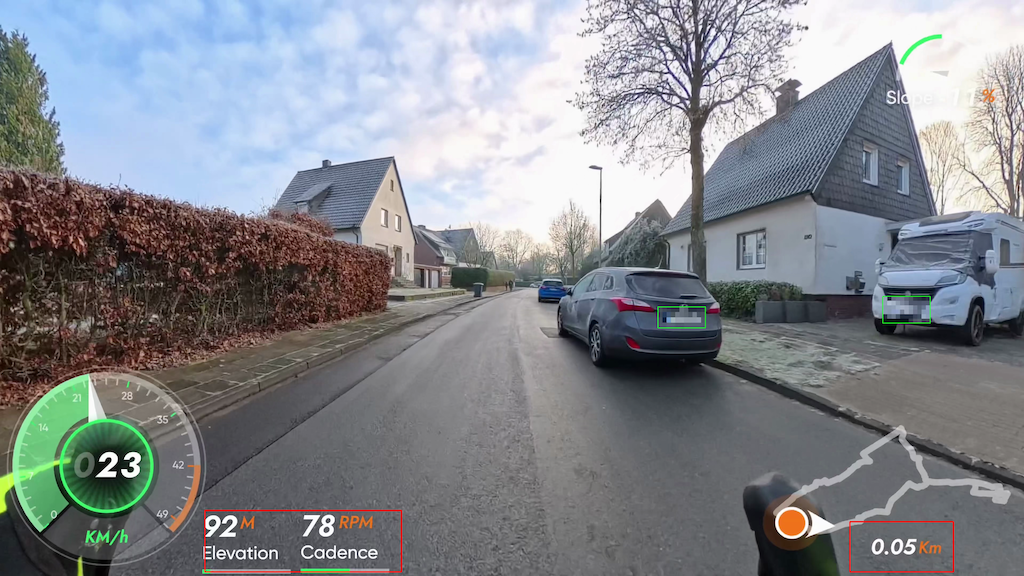
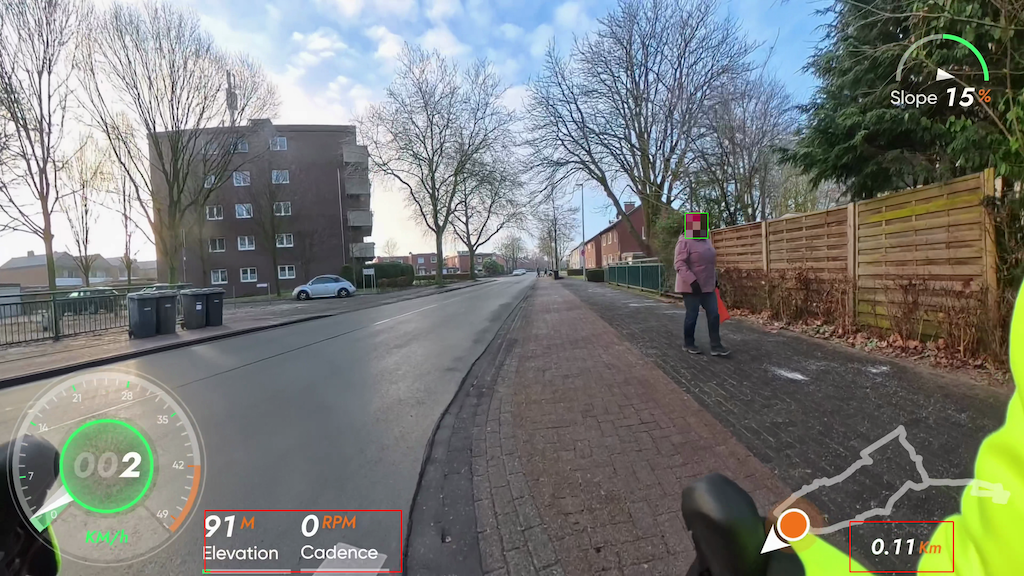
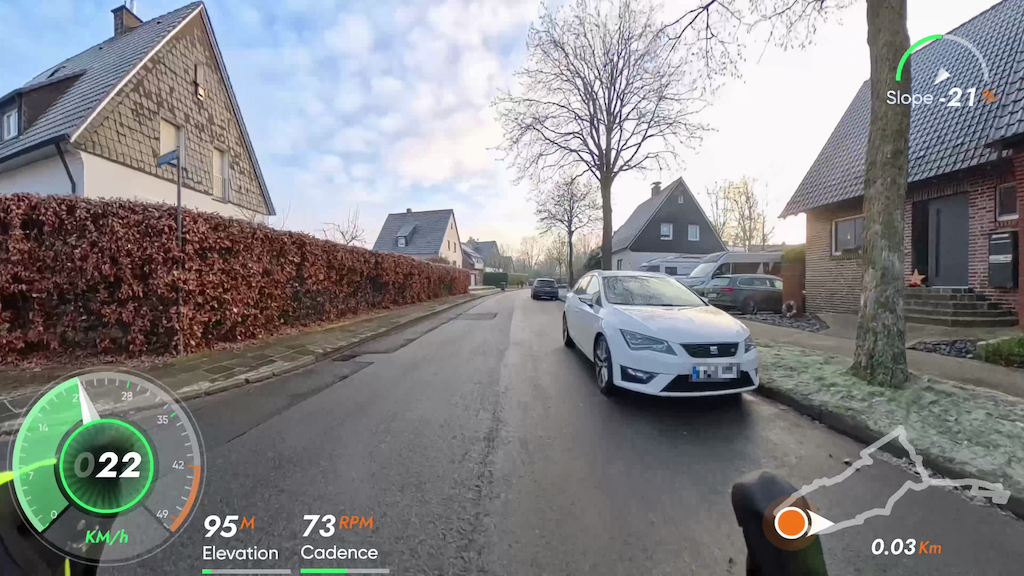
If you ride, run, or hike with a GPS device, you probably end up with a GPX or FIT file that is great for maps but not so great for telling a story. Track2Text is a small Python tool that converts the latest GPX or FIT file in your inbox folder into a structured, bullet-style draft route description. It highlights road changes, places, and sections along the way, so you can quickly turn a raw track into a readable narrative later (for example, with ChatGPT).
What makes Track2Text especially useful is its support for FIT files. FIT data often includes additional metrics such as ascent, descent, temperature ranges, average power, speed summaries, and more. The tool includes a concise summary at the top of the output and keeps a full Debug section at the end for deeper inspection. This is perfect if you want to keep both a human-readable draft and the underlying data in one place.
The script is designed for transparency: it prints detailed progress while running, respects geocoding rate limits, and writes both a text output and a JSON summary. It is simple to configure via a config file or command-line flags, and it offers presets for quick testing, fast runs, and detailed output.
If you want to try it or contribute, check out the project here:
LinuxLinusDE/Track2Text: Creates a draft route description from the newest GPX file in inbox/. The output is intentionally bullet-style and meant to be rewritten later (e.g. with ChatGPT). For more detailed metrics, prefer .fit files.
Exampe:
Rohfassung Wegbeschreibung
=======================

Hinweis: Diese Liste ist eine Rohfassung. Bitte mit ChatGPT zu einer
gut lesenden Wegbeschreibung zusammenfassen.

Format: Stichpunkte mit Straßenwechseln und Ortsangaben.
Abschnitte: automatisch nach Distanz gegliedert.

Rohdaten: Trackpunkte=3934, Samples=313, Distanz≈28.62 km

Quelle: Fahrt_am_Nachmittag (1).fit

Kurzueberblick
--------------
Distanz: 28.62 km
Trackpunkte: 3934
Samples: 313
Gesamte Zeit: 01:05:04

FIT-Zusammenfassung
-------------------
Gesamte Zeit: 01:05:04
Distanz: 28.07 km

Strecken-Details
----------------
- Start: Hoffschlägerweg (Ort: Coesfeld)
- Straßenwechsel: Bahnhofstraße
- Straßenwechsel: Daruper Straße
- Straßenwechsel: Münsterstraße
- Straßenwechsel: Große Viehstraße
- Straßenwechsel: Friedrich-Ebert-Straße
- Straßenwechsel: Osterwicker Straße
- Abschnitt: ab km 2 (Ort: Coesfeld)
- Straßenwechsel: Blomenesch
- Straßenwechsel: Billerbecker Straße
- Abschnitt: ab km 4 (Ort: Coesfeld)
- Straßenwechsel: Westhellen (Ort: Billerbeck)
- Abschnitt: ab km 6 (Ort: Billerbeck)
- Straßenwechsel: Osthellen
- Abschnitt: ab km 8 (Ort: Billerbeck)
- Abschnitt: ab km 10 (Ort: Billerbeck)
- Straßenwechsel: Lutum
- Straßenwechsel: L 581
- Straßenwechsel: Annettestraße
- Straßenwechsel: Berkelaue
- Straßenwechsel: Karl-Wagenfeld-Straße
- Straßenwechsel: Hagen
- Straßenwechsel: Mühlenstraße
- Straßenwechsel: Lilienbeck
- Abschnitt: ab km 12 (Ort: Billerbeck)
- Straßenwechsel: Lange Straße
- Straßenwechsel: Markt
- Straßenwechsel: Schmiedestraße
- Straßenwechsel: Kirchstraße
- Straßenwechsel: Hörster Straße
- Straßenwechsel: Friedhofstraße
- Straßenwechsel: Hagen
- Straßenwechsel: Osterwicker Straße
- Abschnitt: ab km 14 (Ort: Billerbeck)
- Straßenwechsel: L 577
- Abschnitt: ab km 16 (Ort: Billerbeck)
- Straßenwechsel: Hamern
- Straßenwechsel: K 42
- Straßenwechsel: Lutum
- Abschnitt: ab km 18 (Ort: Billerbeck)
- Straßenwechsel: Gaupel (Ort: Coesfeld)
- Abschnitt: ab km 20 (Ort: Coesfeld)
- Abschnitt: ab km 22 (Ort: Coesfeld)
- Straßenwechsel: Billerbecker Straße
- Abschnitt: ab km 24 (Ort: Coesfeld)
- Straßenwechsel: Loddeallee
- Straßenwechsel: Mühlenstraße
- Straßenwechsel: Große Viehstraße
- Straßenwechsel: Kleine Viehstraße
- Abschnitt: ab km 26 (Ort: Coesfeld)
- Straßenwechsel: Marktplatz
- Straßenwechsel: Schüppenstraße
- Straßenwechsel: Bernhard-von-Galen-Straße
- Straßenwechsel: Münsterstraße
- Straßenwechsel: Daruper Straße
- Straßenwechsel: Hoffschlägerweg
- Straßenwechsel: Grimpingstraße
- Straßenwechsel: Grenzweg
- Ziel: Grenzweg (Ort: Coesfeld)
Example Result with ChatGPT:
📊 Tourdaten (Kurzüberblick)
Distanz: 28,6 km · Zeit: 1:05 h
Ø Geschwindigkeit: 26,4 km/h
Wir starten am Hoffschlägerweg in Coesfeld und rollen uns zunächst locker ein. Über die Bahnhofstraße und die Daruper Straße geht es Richtung Innenstadt, wo wir kurz die Münsterstraße queren und über Große Viehstraße und Friedrich-Ebert-Straße weiterfahren. Mit der Osterwicker Straße lassen wir das Zentrum hinter uns und nehmen Kurs auf den nördlichen Stadtrand.
Ab etwa Kilometer 2 führt uns der Weg über Blomenesch und die Billerbecker Straße hinaus aus Coesfeld. Der Verkehr nimmt spürbar ab, die Umgebung wird ruhiger und ländlicher. Ab Kilometer 4 nähern wir uns Billerbeck und erreichen über Westhellen das Stadtgebiet.
Zwischen Kilometer 6 und 10 bewegen wir uns durch den Bereich Osthellen und die angrenzenden Abschnitte. Die Strecke ist hier angenehm gleichmäßig, ideal für einen ruhigen Tritt. Mit Lutum und der L 581 wechseln wir wieder auf bekannte Verbindungsstraßen, bevor wir über Annettestraße und Berkelaue tiefer nach Billerbeck hineinrollen.
Ab Kilometer 12 geht es durch mehrere innerstädtische Straßen: Karl-Wagenfeld-Straße, Hagen, Mühlenstraße und Lilienbeck leiten uns Richtung Zentrum. Über Lange Straße, den Markt, Schmiedestraße und Kirchstraße erleben wir Billerbeck von seiner lebendigen Seite, bevor wir über Hörster Straße und Friedhofstraße wieder hinausfahren.
Nach Kilometer 14 nehmen wir erneut den Hagen und anschließend die Osterwicker Straße. Über die L 577 und später Hamern sowie die K 42 führt die Route zurück in Richtung Coesfeld. Mit Kilometer 18 erreichen wir wieder Lutum, kurz darauf Gaupel, und sind damit zurück im Coesfelder Stadtgebiet.
Ab Kilometer 20 verläuft die Strecke ruhig und vertraut durch Coesfeld. Über die Billerbecker Straße, Loddeallee und erneut Mühlenstraße geht es Richtung Innenstadt. Große Viehstraße und Kleine Viehstraße führen uns ab Kilometer 26 zum Marktplatz, bevor wir über Schüppenstraße und Bernhard-von-Galen-Straße noch einmal die Münsterstraße kreuzen.
Zum Abschluss rollen wir über Daruper Straße, Hoffschlägerweg, Grimpingstraße und schließlich den Grenzweg, wo diese abwechslungsreiche Nachmittagsrunde in Coesfeld endet.
Hashtags:
#Radtour #Coesfeld #Billerbeck #SpinningTour #VirtualRide #Fahrrad #Radfahren #Outdoor #NRW #Deutschland #Nachmittagsrunde
YouTube-Titelvorschlag:
Entspannte Nachmittagsrunde von Coesfeld nach Billerbeck | 28 km virtuelle Radtour